
Download The Fastest File Splitter and Joiner – Free, Secure, Fast File Management Tool for Windows & Mac
Looking for a reliable way to split and join large files quickly? The Fastest File Splitter and Joiner is a lightweight, free software tool designed to help users manage oversized files with ease. Whether you're backing up data to DVDs, transferring files via email, or sharing large media files, this app simplifies the process by breaking down large files into smaller, manageable segments.
With support for password protection, drag-and-drop functionality, and seamless integration with the Windows context menu, it’s a must-have for anyone dealing with big files. The latest update enhances performance and fixes UI issues, ensuring a smooth experience across Windows Vista, 7, and modern systems. Download now and streamline your file management workflow.
Key Features of The Fastest File Splitter and Joiner
One of the standout aspects of The Fastest File Splitter and Joiner is its intuitive design and powerful functionality. This free tool allows users to split any file—be it a video, archive, or document—into smaller parts based on a user-defined size, such as 50MB, 100MB, or 1GB. This is especially useful when you're limited by storage media like DVDs, USB drives, or email attachment limits. The software supports secure file splitting with optional password protection, ensuring your sensitive data remains private during transfer or storage.
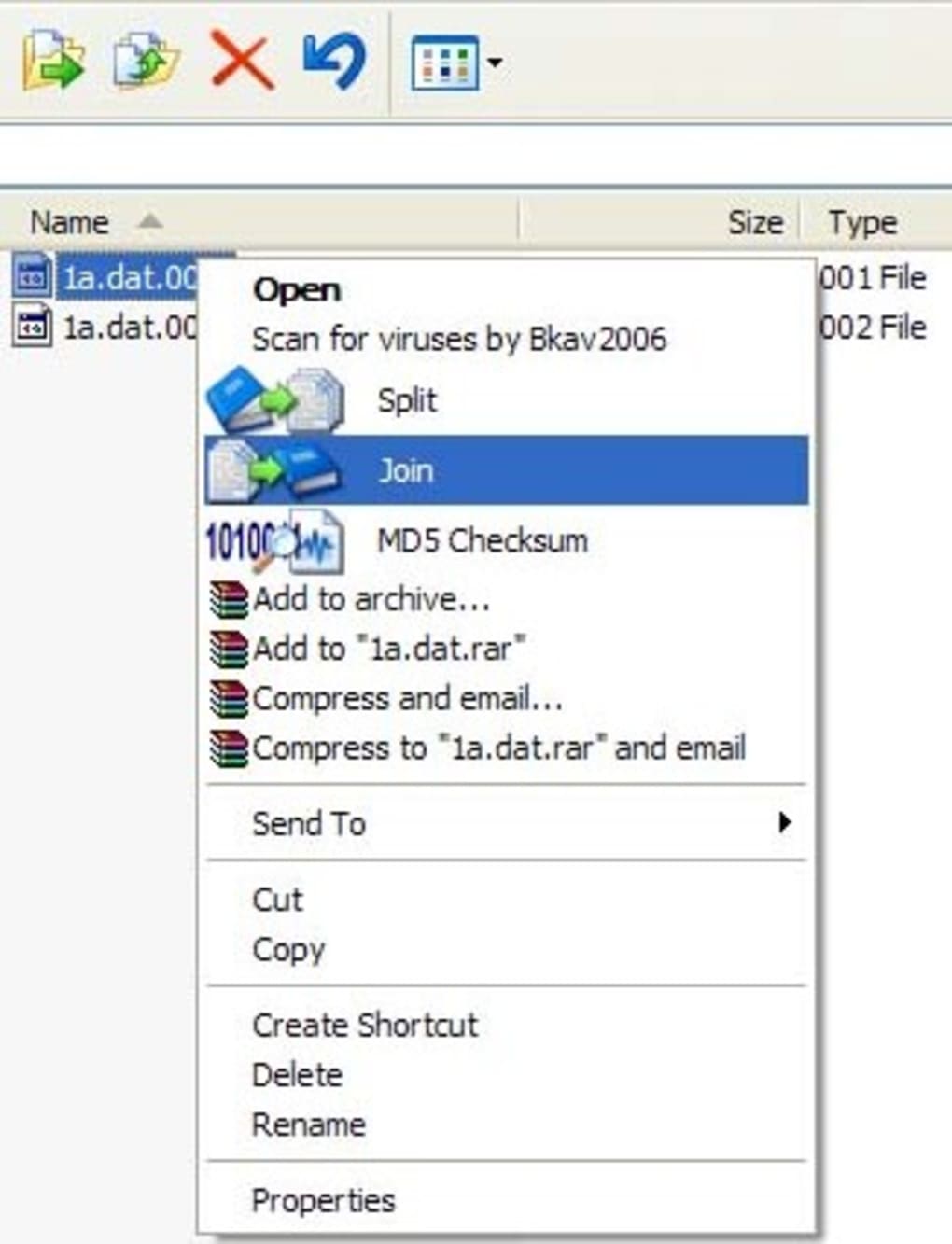
Another major advantage is the built-in context menu integration. Right-click any file in Windows Explorer, and you’ll see options to split or join files instantly—no need to open the app manually. This feature saves time and boosts productivity, particularly for users who frequently handle large files. The drag-and-drop interface is also highly responsive, making it easy to assign files and choose output locations without navigating complex menus.
The app supports multiple file formats, including .zip, .mp4, .iso, .exe, and more, making it versatile for both personal and professional use. With a clean, minimal interface and no bloatware, it runs efficiently in the background without slowing down your system. Additionally, the latest version includes important bug fixes for auto-drop shadow effects, drag-and-drop behavior, and improved shell context menu compatibility on older Windows systems like Vista and 7. These updates ensure a more stable and consistent experience across different environments.
How to Install and Use The Fastest File Splitter and Joiner
Installing The Fastest File Splitter and Joiner is quick and straightforward. Since it’s a portable application, there’s no need for a traditional installer. Simply download the ZIP file from the official website, extract it to your preferred folder (such as Documents or Downloads), and run the executable file (FFSJ.exe). No administrative rights are required, making it ideal for use on shared or restricted computers.
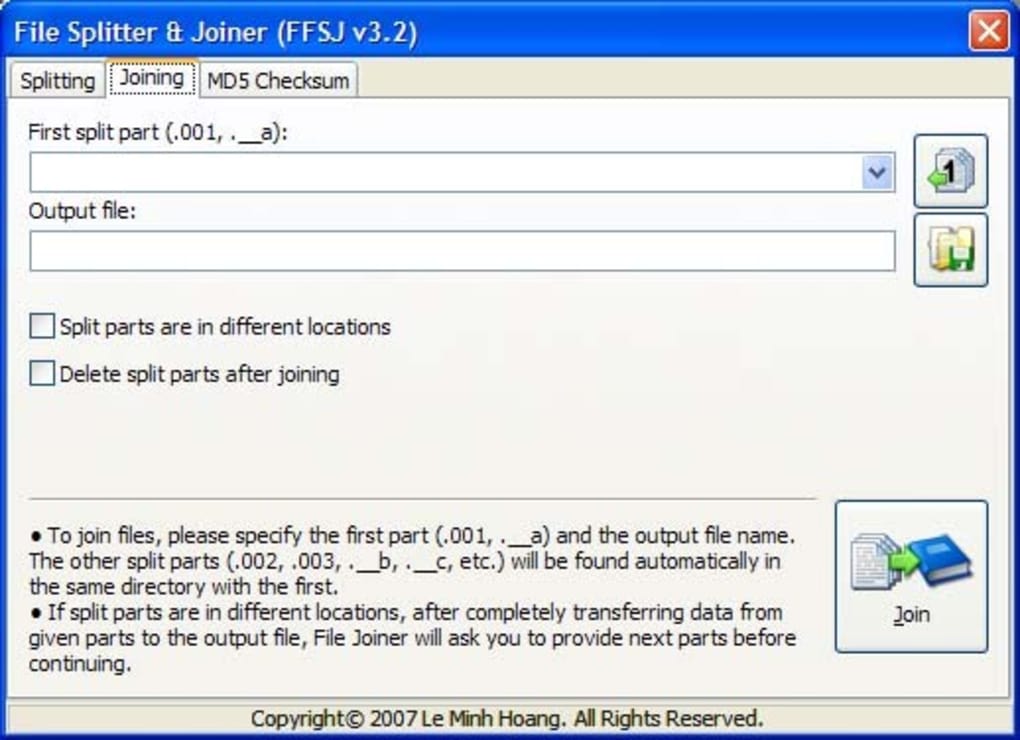
Once launched, the main interface presents a simple layout with clear input fields. To split a file, click the “Split” button, browse to select your large file, and set the desired size for each segment. You can choose from common units like MB, GB, or KB. Optionally, enable the password protection feature to encrypt your split files—this adds a crucial layer of security when sharing sensitive data.
After setting your preferences, click “Start” and the software begins splitting the file instantly. The process is fast and efficient, leveraging your system’s resources without high CPU or memory usage. Once completed, you’ll find all the segmented files in your chosen folder, each with a unique extension (like .001, .002) and a .FFSJ file for reference.
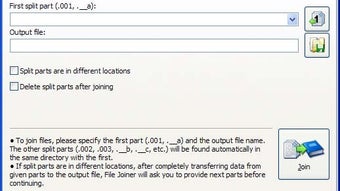
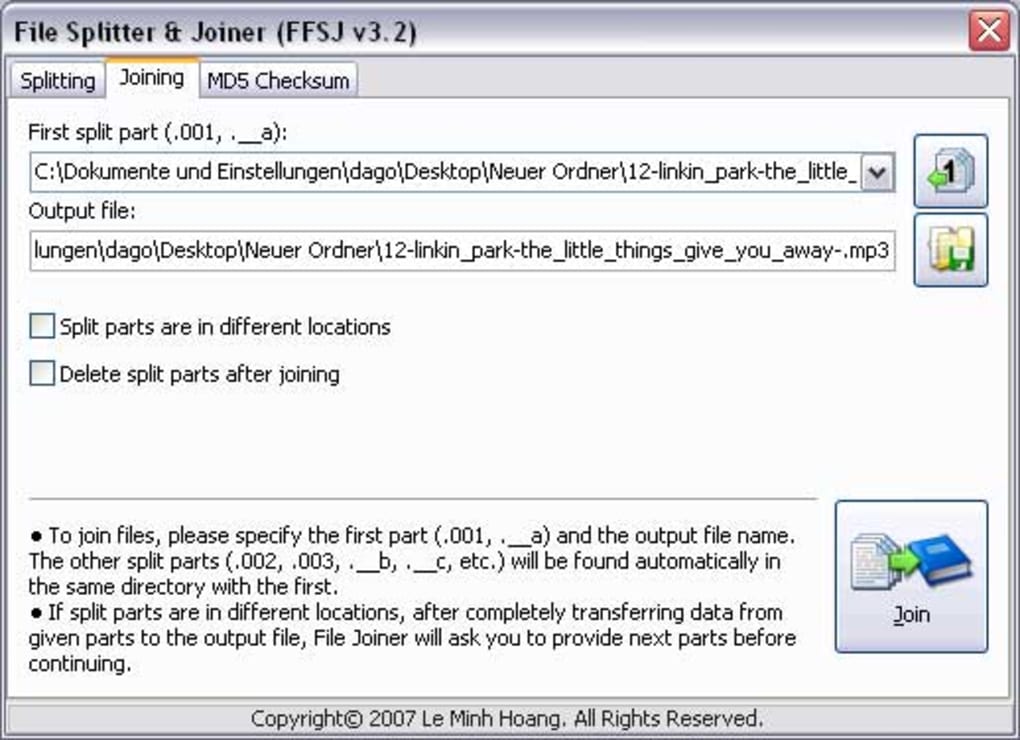
To rejoin the files, simply open the app, click “Join,” select the first segment (usually the one ending in .001), and let the tool automatically detect and reassemble the rest. If a password was set during splitting, you’ll be prompted to enter it before the join process begins. The entire operation is completed in seconds, restoring the original file with full integrity. This seamless workflow makes it a top choice for users who need reliable file management on the go.
Compatibility and System Requirements
The Fastest File Splitter and Joiner is compatible with a wide range of operating systems, including Windows Vista, Windows 7, Windows 10, and Windows 11. It also works well on older systems, thanks to the recent bug fixes that improved compatibility with legacy environments. The software is lightweight and doesn’t require any additional runtime libraries, so it runs smoothly on machines with minimal resources.
While the app is primarily designed for Windows, users on Mac or Linux can run it via compatibility layers like Wine, though native support is not currently available. For mobile users, there are no official versions for Android or iOS, but similar functionality can be found in third-party apps like HJSplit or GSplit. However, for Windows users, this remains one of the most efficient tools available.
The app supports all major file types, including documents, videos, archives, and executables. It integrates seamlessly with Windows Explorer, allowing users to split or join files directly from the right-click menu. This context menu integration is a game-changer for power users who want to avoid launching a separate application every time they need to manage large files.
With its minimal footprint and fast performance, The Fastest File Splitter and Joiner is ideal for both home users and professionals. Whether you're backing up family photos, sending a large project file to a client, or preparing data for a cloud backup, this tool delivers consistent results across different scenarios.
Pros and Cons of The Fastest File Splitter and Joiner
- Pros:
- Lightweight and fast file splitting & joining
- Free to download and use with no ads
- Supports password protection for secure file handling
- Portable – no installation required
- Right-click context menu integration for quick access
- Works on Windows Vista, 7, 10, and 11
- Simple, intuitive interface with drag-and-drop support
- Regular updates with bug fixes and performance improvements
- Cons:
- No native support for Mac or Linux
- No official mobile apps for Android or iOS
- Interface is minimal – may lack advanced customization
- Only supports splitting into fixed-size chunks (no dynamic segmentation)
- File naming convention may be confusing for new users
Frequently Asked Questions (FAQ)
Is The Fastest File Splitter and Joiner really free?
Yes, The Fastest File Splitter and Joiner is completely free to download and use. There are no hidden fees, subscription models, or in-app purchases. The software is distributed under a free license, making it accessible to all users regardless of budget.
Can I split a file into specific sizes like 100MB or 500MB?
Absolutely. The app allows you to set custom file sizes for each segment, such as 50MB, 100MB, 250MB, or even 1GB. This is ideal for fitting files onto DVDs, USB drives, or email attachments with size restrictions.
Does it support password protection?
Yes, you can add a password to your split files for added security. This ensures that only authorized users can rejoin the files, making it perfect for sharing sensitive documents or media.
Is it safe to use? Is my data secure?
Yes, the software is secure and does not collect or transmit your data. It operates locally on your device, and password protection is handled internally. Just ensure you download the app from the official source to avoid malware.
Can I join files on a different computer?
Yes, as long as you have The Fastest File Splitter and Joiner installed on the target computer and all the split segments are present, you can rejoin the files without issues. Just select the first file (.001) and the tool will automatically detect the rest.
Final Verdict: Why You Should Download This File Management Tool
If you're dealing with large files on a regular basis, The Fastest File Splitter and Joiner is a must-have tool. Its speed, simplicity, and security features make it one of the best free file management solutions available for Windows users. Whether you're backing up data, sending files via email, or preparing content for cloud storage, this app streamlines the process with minimal effort.
With regular updates, a clean interface, and robust functionality, it’s clear that the developers are committed to maintaining a high-quality product. While it lacks Mac and mobile support, its performance on Windows systems is unmatched among free tools.
Download The Fastest File Splitter and Joiner today and take control of your large files—fast, secure, and completely free.







